
Sender ID Replacement: Why Your Brand Name Shows Up as a Random Number
By Saad ·
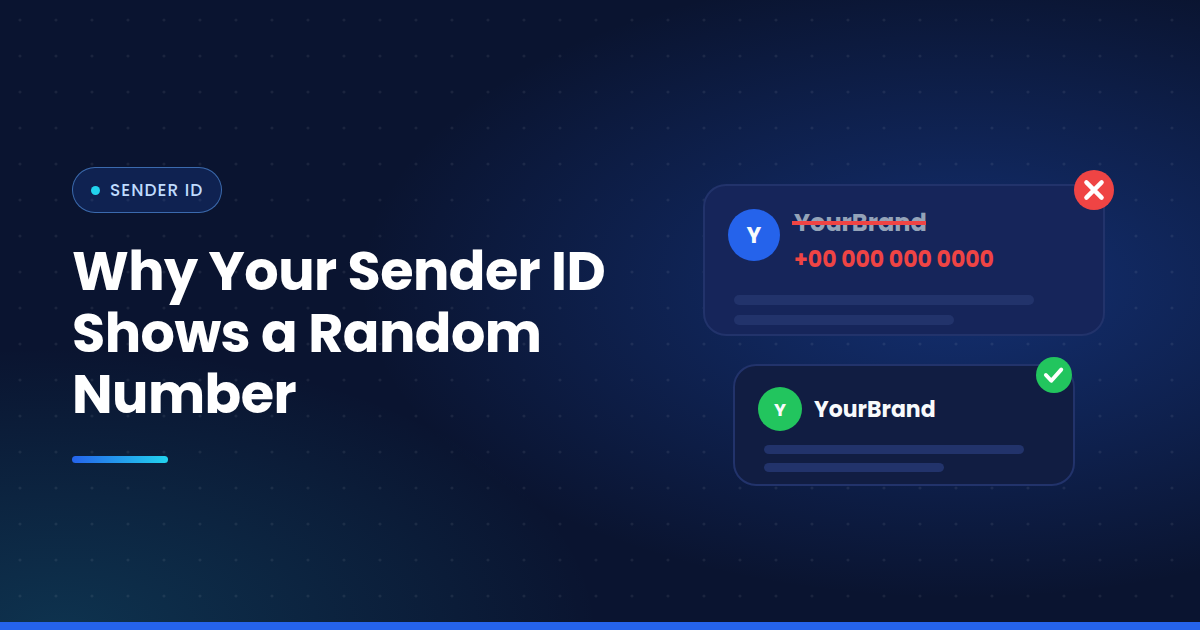
You set your sender as "ShopNow". The customer gets a message from a long mobile number they've never seen.
It's one of the most common complaints in business messaging. And it isn't just cosmetic. When your name disappears, so does a lot of the trust that makes people open and act on the message.
Here's why sender ID replacement happens and how to catch it.
What a Sender ID Is
The sender ID is what shows in the "from" line on the phone. It can be a number, a short code, or an alphanumeric sender ID like "YourBank" or "ShopNow".
Alphanumeric IDs are popular because people recognise them instantly. A message from your brand name looks like it came from you.
Why the Name Gets Swapped
There are a few common causes. Some are perfectly normal. Some aren't.
The country doesn't support alphanumeric senders. In some markets, such as the US and Canada, standard A2P SMS doesn't use alphanumeric sender IDs. The message goes out from a numeric sender instead. That's expected, not a fault.
The sender ID isn't registered. Many countries require pre-registration. India's DLT system is one well known example, and plenty of other markets have rules of their own. Without sender ID registration, operators may swap the name for a generic one or block the message outright.
The route is grey. This is the one to worry about. When traffic goes through SIM farms, the message is sent from an ordinary consumer SIM. So the customer sees that SIM's number, not your brand.
An intermediary changed it. Some providers override sender IDs to push traffic through routes that wouldn't accept the original. You won't know unless you check.
Why It Hurts
People are trained to be careful with texts from unknown numbers. Banks and governments tell them to be.
So a code or alert from a random number looks suspicious. Some users ignore it. Some report it. Some phones and operators add phishing flags to messages that look like spoofing.
All of that chips away at brand trust, and at the results of every message you send.
How to Check for Sender ID Not Showing
Your provider's dashboard usually shows the sender ID you submitted. That's not the same as what the customer sees.
To know for sure, you need SMS sender ID testing on real handsets. Send a message through your route to a real SIM on the target network, and look at what appears in the "from" line.
Do it for every country and network you care about. Do it again after any route change. A vendor might keep your name intact on one operator and replace it on another.
Fixing the Problem
Start by checking local regulations and operator rules for each country you send to. Some issues are just missing paperwork, and they're the easiest to fix.
If registration is in order and the name is still being swapped, ask your provider how that traffic is routed. Moving to a direct route often solves it.
If they can't fix it, test another vendor for that country and move the traffic there.
Quick Checklist
Confirm whether each country supports alphanumeric senders
Complete registration wherever it's required
Test the sender ID on real SIMs across every major network
Retest after any vendor or route change
How Messeo Helps
Messeo's physical SIM base in multiple countries shows you exactly what a real customer sees, sender ID included. Test several routes at once and spot which ones keep your brand name and which ones replace it.
Your name is part of the message. Make sure it arrives.