
SMS Content Filtering: How Carriers Block Messages and How to Test Templates First
By Saad ·
You can have a great route, a registered sender ID and a clean contact list, and still watch messages vanish.
Sometimes the problem isn't the route at all. It's the words.
Mobile operators scan the message body of business traffic. If something looks like spam or fraud, the message can be blocked, delayed or quietly dropped. Here's how SMS content filtering works and how to test templates before a campaign goes live.
Why Carriers Filter Content
Operators have a real problem with spam and scam texts. Their customers complain, and regulators expect action.
So most operators run some kind of carrier spam filter, often as part of a wider SMS firewall. These systems look at who sent the message, which route it came through and what it says.
Your message gets judged on all three.
What Commonly Triggers Filters
Every operator has its own firewall rules, and they change often. Still, some patterns get flagged again and again.
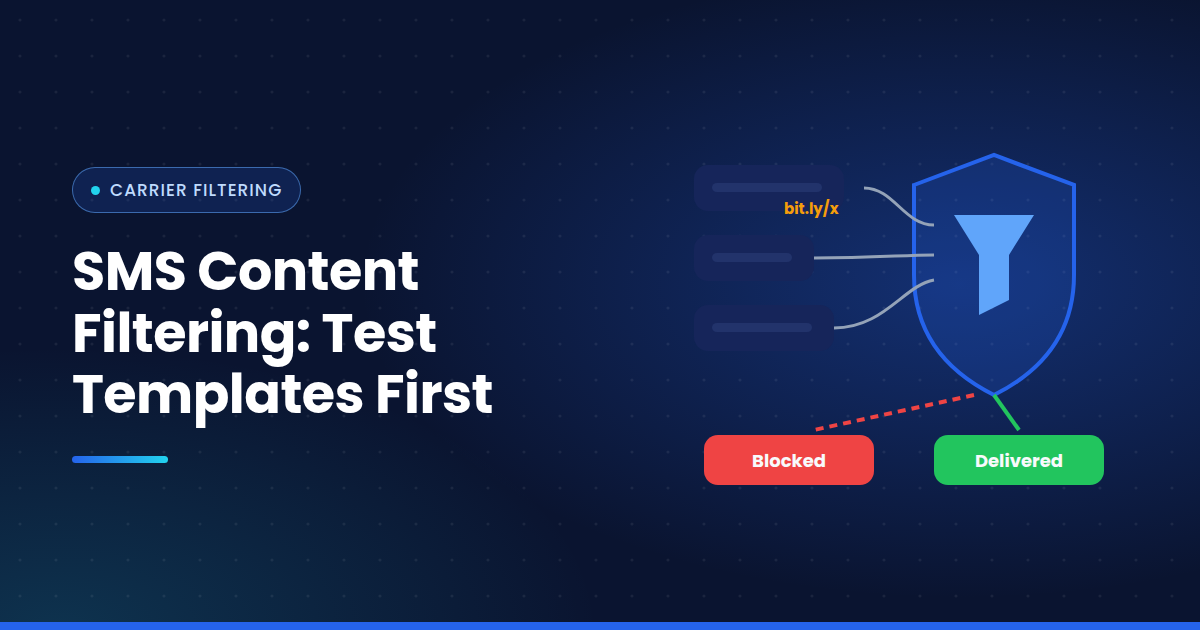
Public URL shorteners. Free URL shorteners are popular with scammers, so many filters treat shortened links with suspicion. A branded domain is usually safer.
Risky keywords. Keyword filtering looks for words common in scams. Urgent account warnings, prize wins, loan offers, crypto promises.
Missing opt out text. In many markets, promotional messages need clear opt out text. Leave it out and marketing traffic can get flagged.
Too many capitals and symbols. "FREE!!! CLAIM NOW $$$" looks like spam to a filter, just as it does to a person.
Mismatched sender and content. A message claiming to be from a bank, sent from an unregistered or unrelated sender, is a classic fraud signal.
Why You Rarely Get an Error
This is the frustrating part. Filtered messages don't always bounce back with a clear reason.
Sometimes you get an UNDELIV or REJECTD status. Sometimes you get a delivered receipt anyway, because it was generated before the filter acted. And sometimes nothing comes back.
So when you see an SMS blocked by carrier in one country, you may not even know the content was to blame.
How to Run SMS Template Testing
The safest approach is to test templates before you send at scale. A simple process for SMS template testing:
Write two or three versions of the message
Send each through your real route to real SIMs on your target networks
Check what arrived, how fast, and whether the content came through whole
Change one element at a time, such as the link, a keyword or the opt out line
Keep the version that lands reliably on every network
Small changes make a big difference. Swapping a public shortener for your own domain, or rewording a single line, can be enough to pass.
Think of It as a Spam Score
Filters rarely work on one rule. They weigh several signals together, a bit like a spam score.
One risky element might pass. Three together might not. That's why testing the full message, exactly as it will be sent, matters more than checking words against a list.
Make Testing Part of Every Campaign
Content filters change without notice. A template that worked last month might be blocked today.
Build campaign testing into your launch checklist. Test before every big send, and retest your OTP and alert templates every so often too.
How Messeo Helps
Messeo sends your real messages through your routes to a physical SIM base in multiple countries. You see exactly what landed on each network, including whether links and text arrived intact.
Test a few versions, compare results side by side, and launch the one that gets through.
Good copy only works if it arrives. Test it first.